Data Storage
Where data lives when the power is off, and the three technologies used.
- Width
- 800 pixels
- Height
- 600 pixels
- Colour depth
- 8 bits per pixel
//RAM vs ROM — the table you must know
This comparison appears almost every year.
           RAM                     ROM
volatile?  yes                     no
read/write both                    read only
holds      programs & data in use  start-up instructions
size       large                   small
changes? contents change often fixed//The three storage technologies
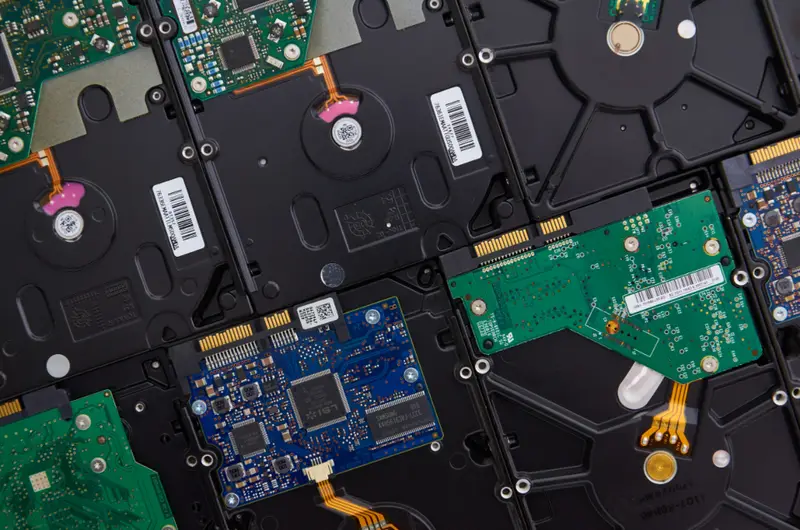
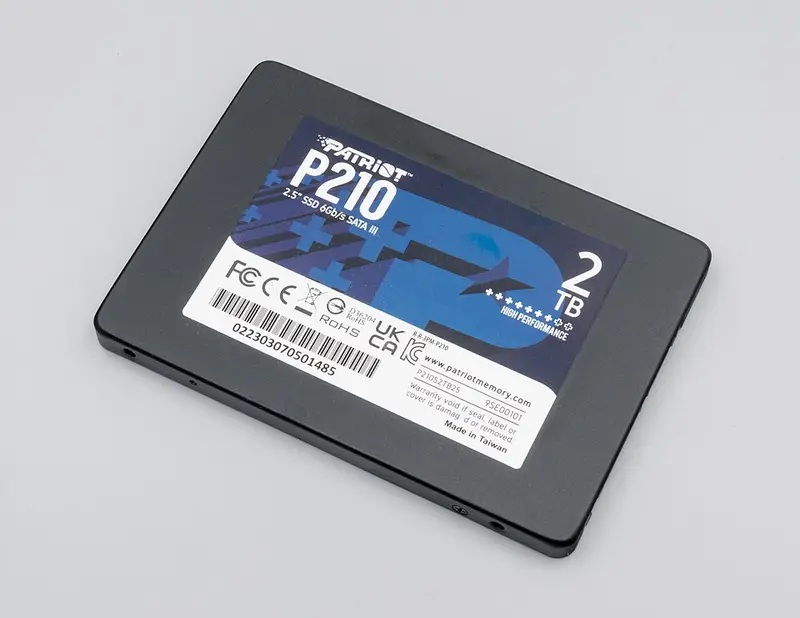
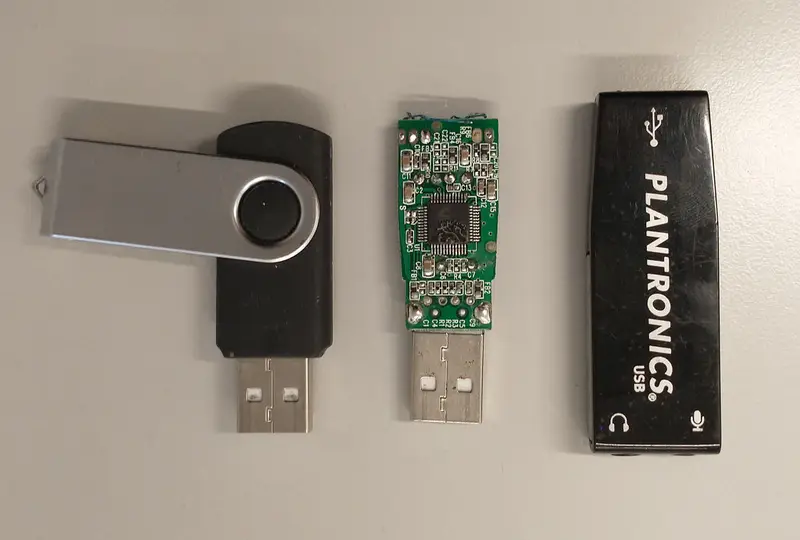
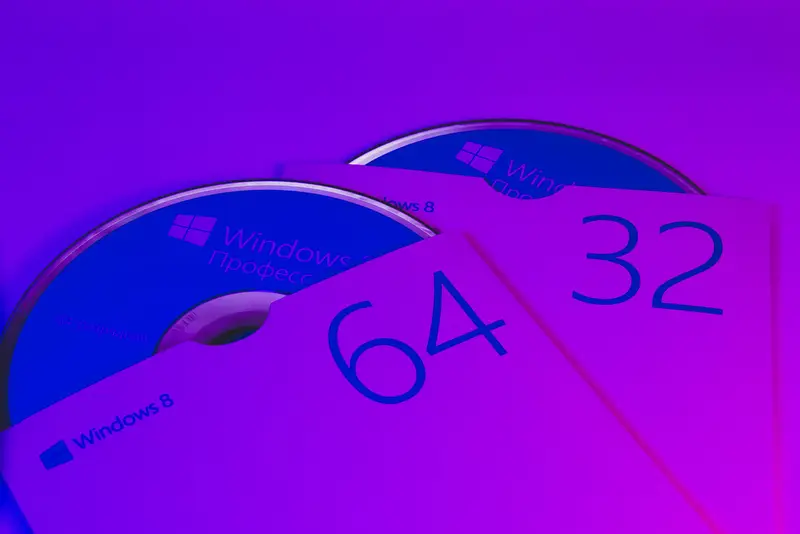
Magnetic (hard disk): a spinning platter magnetised in one of two directions; large and cheap, but has moving parts so it can be damaged by knocks. Optical (CD/DVD/Blu-ray): a laser burns pits and lands into the surface and reads the reflection; cheap and portable, but small capacity and scratches easily. Solid state (SSD, USB stick): no moving parts, uses transistors that trap charge; fast, silent and robust, but more expensive per GB and has a limited number of write cycles.
//Virtual memory
When RAM is full, the least-used pages are moved out to the hard disk, freeing RAM for what is needed now. It lets you run more programs than would otherwise fit — but the disk is far slower than RAM, so heavy use causes 'disk thrashing' and the computer slows down.
//Cloud storage
Files are stored on remote servers run by a company. Benefits: access from anywhere, no need to buy hardware, automatic backup, easy sharing. Drawbacks: needs an internet connection, ongoing cost, and you are trusting someone else with your data's security.
KEY TERMS
CHECK YOURSELF
1.Which statement about RAM is true?
2.Why is an SSD more robust than a hard disk drive?
3.What causes disk thrashing?